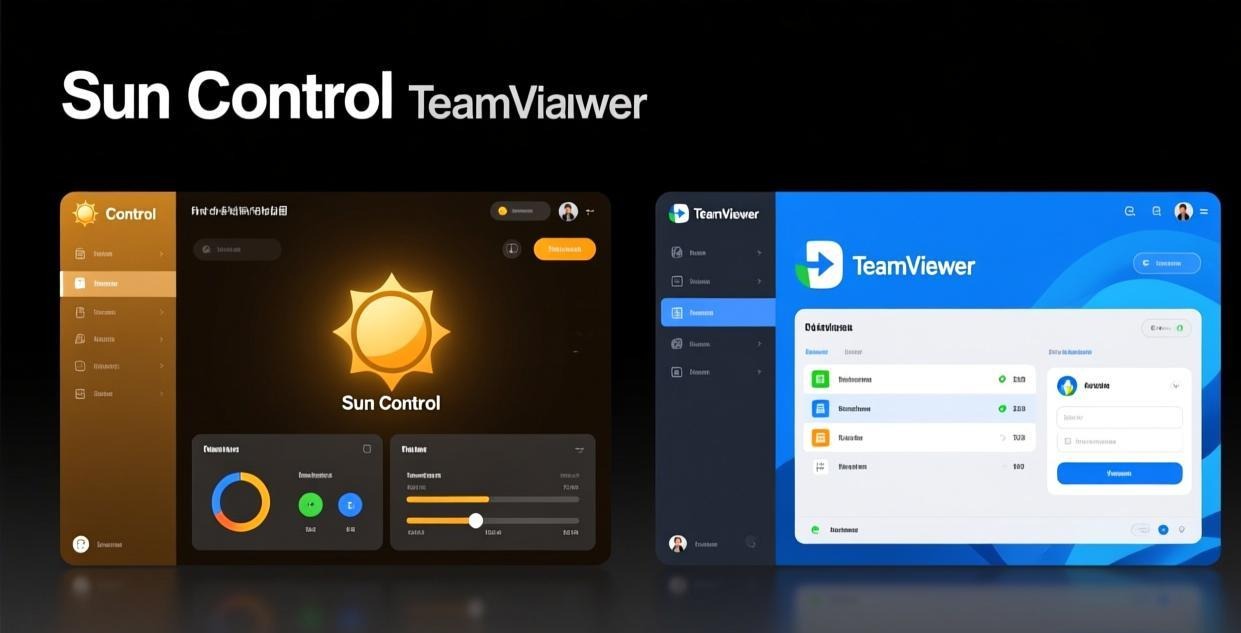
⚠️ This is an independent comparison. We are not affiliated with Oray (Sunflower).
Plan Overview
| Feature | Free | Basic (~$3/mo) | Pro (~$6/mo) |
|---|---|---|---|
| Remote desktop control | ✅ | ✅ | ✅ |
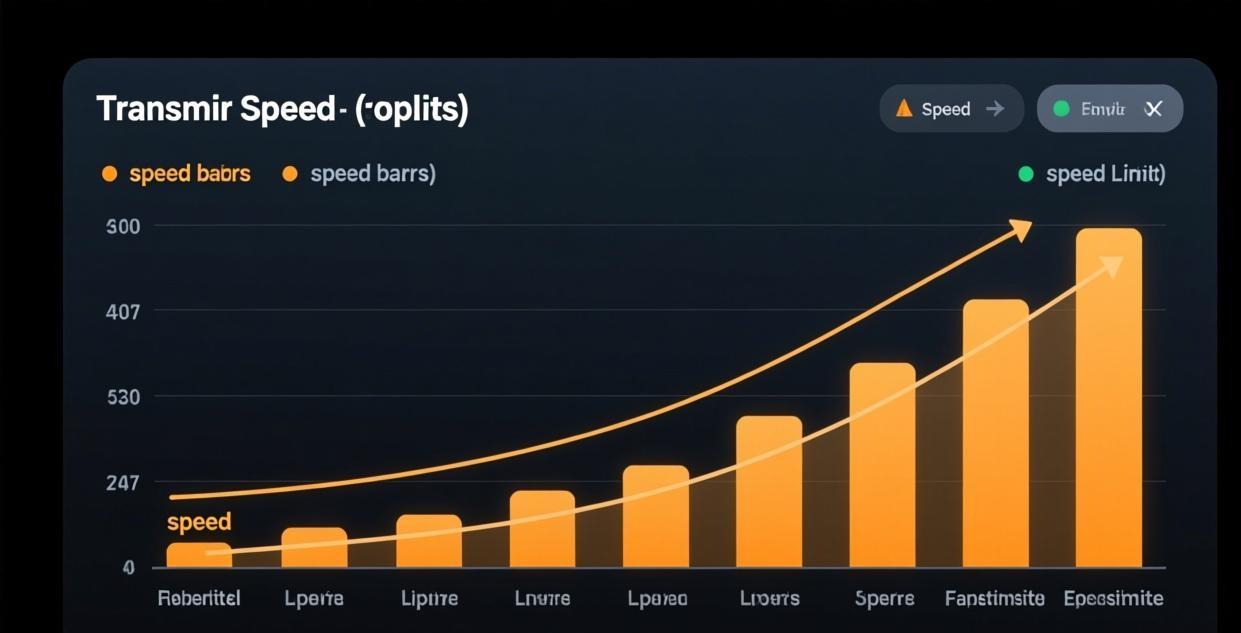
| File transfer speed | 200 KB/s | Unlimited | Unlimited |
| Unattended access | ❌ | ✅ | ✅ |
| Simultaneous connections | 1 | 3 | 5 |
| Ads | Yes | No | No |
| Screen sharing | ✅ | ✅ | ✅ |
| Multi-monitor support | ✅ | ✅ | ✅ |
| Remote printing | ❌ | ❌ | ✅ |
| Priority support | ❌ | ❌ | ✅ |
| Mobile access | ✅ | ✅ | ✅ |
| Game AFK mode | ✅ | ✅ | ✅ |
The 200 KB/s File Transfer Cap — The Dealbreaker
The single most impactful limitation of the free version is the 200 KB/s file transfer speed cap. Let me put this in perspective:
| File Size | Transfer Time (Free 200 KB/s) | Transfer Time (Paid, Unlimited) |
|---|---|---|
| 1 MB | 5 seconds | < 1 second |
| 10 MB | 50 seconds | 1-2 seconds |
| 50 MB | 4 minutes | 5-10 seconds |
| 100 MB | 8 minutes | 10-15 seconds |
| 500 MB | 42 minutes | 1-2 minutes |
| 1 GB | 83 minutes | 2-3 minutes |
The free version’s file transfer is usable for small documents and screenshots (under 10 MB), but becomes impractical for anything larger. A 100 MB presentation takes 8 minutes to transfer on the free plan versus 10-15 seconds on a paid plan. Frankly, the speed cap makes the free version’s file transfer function nearly useless for any real-world work scenario — even a modest PowerPoint presentation with embedded images can exceed 20 MB.
I used the free version for about two months before upgrading, and the 200 KB/s cap was frustrating every single time I needed to transfer a file larger than a few MB. I’d start a transfer, go do something else while waiting, and sometimes come back to find it had failed due to a connection interruption — meaning I had to start over from the beginning. Upgrading to the Basic plan eliminated this problem entirely — file transfers that used to take agonizing minutes now complete in seconds, and I never worry about transfer failures anymore.
Real-World File Transfer Scenarios
| What You’re Transferring | Free (200 KB/s) | Paid (Unlimited) |
|---|---|---|
| A text document (100 KB) | < 1 second | < 1 second |
| A spreadsheet with charts (5 MB) | 25 seconds | < 1 second |
| A PDF report with images (30 MB) | 2.5 minutes | 3-5 seconds |
| A video clip (200 MB) | 17 minutes | 15-20 seconds |
| A software installer (500 MB) | 42 minutes | 30-60 seconds |
| A backup archive (2 GB) | 2.8 hours | 2-4 minutes |
As you can see, the free version’s speed cap crosses from “slightly inconvenient” to “completely impractical” at around the 30-50 MB mark. If you ever need to transfer files larger than a basic document, the paid plan pays for itself in saved time almost immediately.
Unattended Access — Essential for Remote Work
Unattended access allows you to connect to a remote PC when nobody is there to accept the connection. This is essential for:
- Accessing your office PC after hours
- Managing a home server
- Providing IT support to remote employees
- Checking on downloads or processes running on another PC
Without unattended access (free version), someone must be physically present at the remote PC to click “Accept” when you try to connect. This makes the free version impractical for most remote work scenarios — you can’t check on your office PC after hours, access a home server while traveling, or provide emergency IT support when the remote user isn’t available.
Workaround for Free Users
If you can’t justify paying for unattended access, there’s a partial workaround that works occasionally but is not reliable:
- Connect to the remote PC while someone is there (they click “Accept”)
- Don’t disconnect — keep the session running in the background
- If the session drops, you need someone at the remote PC again to accept a new connection
- This only works if the remote PC doesn’t go to sleep or restart
This works for occasional same-day use but isn’t reliable for anything important. The session will eventually time out, the PC may go to sleep, or a network interruption will drop the connection. And if you’re in a different time zone from the remote PC, finding someone to accept the connection becomes a logistical challenge.
Ad Experience on the Free Version
The free version displays advertisements within the application interface. Here’s what to expect:
- Ad type: Static banner ads in the sidebar or status bar
- NOT included: No pop-ups, no video ads, no ads that interrupt your remote session
- Ad placement: Ads appear in the Sunflower Control interface, not on the remote desktop
- Ad content: Typically related to software, tech products, or Sunflower’s own upgrade promotions
The ads are relatively unobtrusive compared to many free applications. They don’t cover the remote desktop or block your interaction with the remote PC. However, they do take up screen space in the control panel, and some users find them visually distracting.
How Ads Affect Performance
On modern PCs, the ads have negligible performance impact. On older or low-spec devices (under 4 GB RAM), the ad rendering can consume noticeable CPU and memory resources, potentially adding slight latency to your remote session. If you’re on a budget device, upgrading to remove ads may actually improve performance.
Single Connection Limit
The free version allows only 1 simultaneous remote connection. This means:
- You can only control one remote PC at a time
- If you connect to a second PC, the first connection drops
- You can’t have multiple people connecting to the same remote PC
For most individual users, 1 connection is sufficient. For users who need to monitor multiple PCs simultaneously (like IT administrators), the 3-connection Basic plan or 5-connection Pro plan is necessary.
When the Free Version Is Enough
The free version works well for these scenarios:
- Occasional check-ins — You only need to access your PC a few times a week for quick tasks
- Small file transfers — You mostly transfer documents under 10 MB
- Someone is always at the remote PC — They can accept the connection when you connect
- Single device — You only need to access one PC
- Testing before buying — You want to try Sunflower Control before committing to a paid plan
The free version gives you full remote desktop control with screen sharing and multi-monitor support, which covers the core functionality that most people need from remote access software. You can view and control the remote PC’s screen, type, click, and interact with any application as if you were sitting in front of it.
When You Should Upgrade
Upgrade to Basic (~$3/month) If:
- You need to transfer files larger than 10 MB on a regular basis (the 200 KB/s cap will drive you crazy)
- You need unattended access (connecting when nobody is at the remote PC to accept the connection)
- You want to remove ads from the interface for a cleaner experience
- You need to connect to 2-3 devices simultaneously instead of just one
- You use Sunflower Control more than a few times per week for work or important tasks
- You’re tired of working around the free version’s limitations
The Basic plan is the sweet spot for most users. At roughly $3/month (less than a cup of coffee), it removes all the major free-version limitations (speed cap, no unattended access, ads) without paying for features you may not need. Think of it this way: if the free version saves you even 30 minutes per month of waiting for file transfers or coordinating connection acceptance, the Basic plan has already paid for itself.
Upgrade to Pro (~$6/month) If:
- You need remote printing (printing documents on a printer connected to the remote PC from your local device)
- You need 5 simultaneous connections for managing multiple PCs across different locations
- You want priority support with faster response times for business-critical issues
- You use Sunflower Control for business and need the most reliable experience with all features available
The Pro plan is worth it primarily for business users who need remote printing or manage many devices. For personal users, the Basic plan typically provides everything needed at half the cost. The remote printing feature alone can justify the Pro plan if you regularly need to print documents while working remotely — it eliminates the need to save files, transfer them to a local device, and print from there.
Cost vs Value Analysis
Annual Cost Comparison
| Plan | Monthly | Annual | What You Get |
|---|---|---|---|
| Free | $0 | $0 | Basic remote control, 200 KB/s transfer, ads |
| Basic | ~$3 | ~$36 | Unlimited speed, no ads, unattended access, 3 connections |
| Pro | ~$6 | ~$72 | Everything in Basic + remote printing, 5 connections, priority support |
Value Per Feature
| Feature | Value | Plan Needed |
|---|---|---|
| Unlimited file transfer | Very high (saves hours per month) | Basic |
| Unattended access | Very high (essential for remote work) | Basic |
| Ad removal | Medium (aesthetic + slight performance) | Basic |
| Remote printing | Medium (useful for business) | Pro |
| 5 connections | Low-Medium (most users need 1-3) | Pro |
| Priority support | Low (rarely needed) | Pro |
The Basic plan delivers the highest value-to-cost ratio — it unlocks the two most important features (unlimited file transfer and unattended access) for a very affordable price. The Pro plan’s additional features (remote printing, more connections, priority support) are valuable but only for specific use cases, making Basic the better choice for the majority of users.
ROI Calculation: Is the Basic Plan Worth It?
| Scenario | Time Saved Per Month | Value at $25/hour | Plan Cost | Net ROI |
|---|---|---|---|---|
| Transfer 10 files (50 MB each) | 70 minutes (8 min → 15 sec each) | $29.17 | $3 | +$26.17 |
| Remote access 5x/week without coordinating acceptance | 60 minutes (12 min/week) | $25.00 | $3 | +$22.00 |
| Occasional remote printing (Pro plan) | 30 minutes | $12.50 | $6 | +$6.50 |
Even with conservative estimates, the paid plans deliver a strong positive return on investment for anyone who uses remote access regularly.
Comparison with Competitor Pricing
| Tool | Free Tier | Cheapest Paid Plan |
|---|---|---|
| Sunflower Control | 200 KB/s cap, ads, 1 connection | ~$3/month (Basic) |
| TeamViewer | Commercial use detection, 5-min timeout | $24.90/month (Business) |
| AnyDesk | No speed cap, limited features | $9.90/month (Lite) |
| ToDesk | Unattended access included, queue times | ~$3/month (Professional) |
Sunflower Control’s paid plans are among the most affordable in the remote access software market. TeamViewer costs 8x more for its cheapest paid plan at $24.90/month, and even AnyDesk’s Lite plan costs 3x more than Sunflower’s Basic at $9.90/month. ToDesk is the only competitor with similar pricing, but its free tier has peak-hour queue times that Sunflower Control doesn’t have.
When evaluating the cost, consider the total value delivered: for $3/month, you get unlimited file transfer speed, unattended access, ad removal, and 3 simultaneous connections. That’s less than most streaming subscriptions and delivers tangible daily productivity improvements for anyone who works remotely.
Cost Per Day
| Plan | Monthly Cost | Cost Per Day | What It Buys You |
|---|---|---|---|
| Basic | ~$3 | ~$0.10 | Unlimited speed + unattended access + no ads |
| Pro | ~$6 | ~$0.20 | Everything above + printing + 5 connections + support |
At 10 cents per day, the Basic plan is extraordinary value. Most people spend more than that on tap water refills.

Tips for Free Version Users
If you’re sticking with the free version, here are tips to work around the limitations:
File Transfer Workarounds
- Use cloud storage — Upload files to Google Drive/Dropbox from one device, download on the other
- Compress files — ZIP files before transferring to reduce size under the speed cap
- Transfer during idle time — Start large transfers when you don’t need the connection immediately
- Use email for small files — Files under 25 MB can be emailed as attachments
Unattended Access Workaround
- Keep a session running — Don’t disconnect if you’ll need to reconnect later
- Use Windows Task Scheduler — Some users create scheduled tasks that auto-accept connections
- Consider the Basic plan — At ~$3/month, it’s cheaper than the time spent on workarounds
Honestly, if you need unattended access more than once a week, just pay for the Basic plan. The time you spend working around the limitation — coordinating with someone to accept connections, keeping sessions alive, dealing with dropped connections — is worth far more than $3/month in lost productivity.
Subscription Management
Monthly vs Annual Billing
Sunflower Control typically offers monthly billing with no annual commitment required. This is great because:
- You can upgrade for a specific project and downgrade afterward
- No risk of paying for a full year if your needs change
- You can test the paid features for a month before committing
How to Upgrade
- Open Sunflower Control → Settings → Account → Subscription
- Choose your plan (Basic or Pro)
- Enter payment information
- Features activate immediately after payment
- No need to reinstall or reconfigure — everything upgrades in-place
How to Downgrade
- Open Sunflower Control → Settings → Account → Subscription
- Click “Cancel” or “Downgrade”
- You’ll keep paid features until the end of your current billing period
- After that, the free version limits apply automatically
- Your device list and settings are preserved
Final Recommendation
Start with the free version to test Sunflower Control and see if it meets your basic remote access needs. The free version gives you full remote desktop control, which is the core functionality that matters most. There’s no time limit on the free version and no pressure to upgrade, so you can take your time evaluating the software.
Upgrade to Basic as soon as you hit the 200 KB/s file transfer cap or need unattended access — which for most users happens within the first week of regular use. At ~$3/month, it’s one of the best values in remote access software and eliminates the frustrations that make the free version impractical for daily use.
Skip Pro unless you specifically need remote printing or 5 simultaneous connections. For most users, Basic provides everything needed at the lowest possible cost. You can always upgrade from Basic to Pro later if your needs change.
The free version is genuinely usable for basic remote control — it’s not a crippled demo designed to force you to upgrade the way some competitors operate. But the practical limitations (especially the file transfer speed cap and lack of unattended access) make the Basic plan worth the modest cost for anyone who uses remote access more than occasionally. Think of the free version as an unlimited trial, and the Basic plan as the product you’ll actually want to use.
What to Read Next
- Sunflower Control vs TeamViewer → TeamViewer comparison
- Sunflower Control vs AnyDesk → AnyDesk comparison
- Set up unattended access → Setup guide
- Download Sunflower Control → Windows | Mac | Android | iOS

This comparison was written based on Sunflower Control 2026 pricing and features. Plans and pricing may change. This site is an independent information resource and is not affiliated with Oray or the Sunflower remote control development team.
Disclaimer: This is an independent guide and comparison site. We are not associated with Oray, Sunflower, or any other remote control software company. All trademarks belong to their respective owners. This site provides links to official sources only for your safety and convenience.